Your buyer sees “Request access”.
WHY BUYERPROOF
Your digital product should break for us before it breaks for a buyer.
Your link works perfectly when you're the owner. But can someone without your login actually open, copy and use what they bought?
A link can look fine to you and still fail your buyer.
“200 OK” only means a page responded. It doesn't mean the person who paid you can open, copy or use what you promised.
Your buyer reaches the wrong sharing state.
The copy step is missing.
Check once. Stop remembering.
BuyerProof opens supported Canva, Google Docs/Sheets and selected public buyer links in a fresh browser without owner access. The free Check tests one link once. Watch can recheck selected paths on a plan's schedule and alert you to confirmed changes. We do not verify every platform or full checkout journey.
Trust without pretending.
When we cannot reliably verify an outcome, the result is INCONCLUSIVE. A PASS is a dated technical snapshot, not a permanent guarantee or product security certification.
Find the right way to watch.
Launch Pass for a 30-day launch, Watch for ongoing selling, Pro for larger catalogs and Course Creator Pack for educators. See the current prices and features and terms for limits and billing.
Hi, I'm Sylvia.
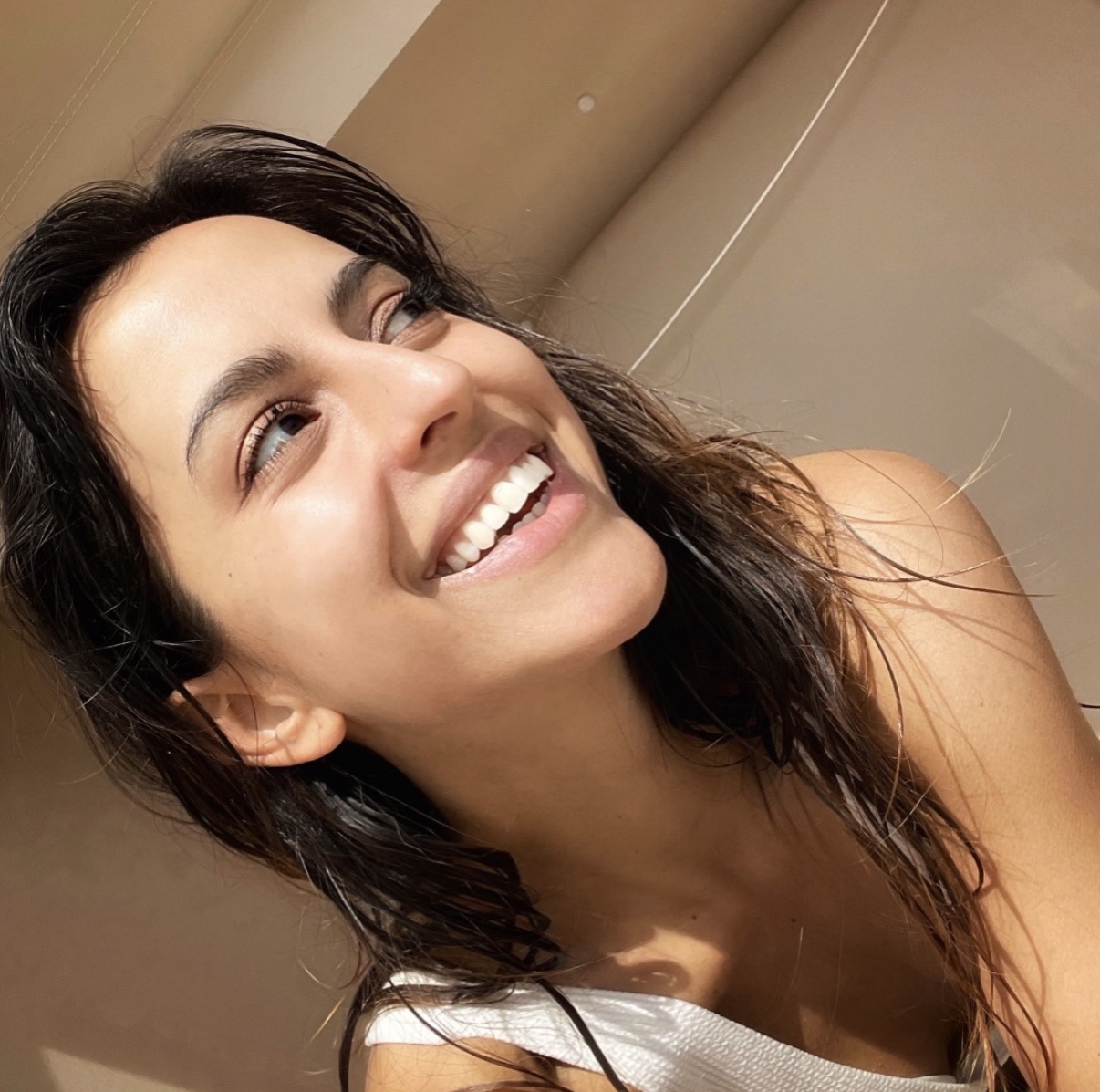
I build digital products and want to spend my time making things instead of reopening links. THE LAZY AI METHOD™ is about setting routine work up once. That's what led me to build BuyerProof.
Checked by BuyerProof
Publish a dated record after a successful link check, with a public result link and a badge for your website.
Frequently asked questions.
Why check my link if it works for me?
You may be signed in as the owner. Your buyer could see a permission request, a different sharing state, the wrong page or a missing copy step. BuyerProof looks at the customer-facing link instead.
What does the free check do?
It checks one supported buyer-facing link once in a fresh-browser context. A verified free account is required. An uncertain result is shown as INCONCLUSIVE rather than incorrectly marked PASS or BROKEN.
What kinds of links can BuyerProof check?
Supported Canva template links, public Google Sheets and Docs access or copy flows, and selected public destinations or downloads. It does not test every platform or complete a purchase journey.
Why not just use an incognito window?
An incognito window can help you spot-check a link once. BuyerProof Watch takes care of scheduled repeat checks, with alerts when meaningful changes are confirmed.
What do PASS, BROKEN and INCONCLUSIVE mean?
PASS means the supported buyer-facing outcome was observed at that point in time. BROKEN means a supported check found a problem. INCONCLUSIVE means the checker could not establish a reliable result. None of these is permanent product certification.
How often does Watch check my links?
Available intervals depend on the current plan. See the pricing page for 24-hour, 12-hour or 6-hour options and the number of paths included. Results and alerts are not instantaneous.
Will I be notified immediately when something breaks?
No. Checks run on the selected schedule, and BuyerProof avoids sending a confirmed broken-link alert for every isolated, unconfirmed failure.
Do you need my account password or private access?
No. Submit the link your buyer receives. BuyerProof deliberately performs supported checks without your owner credentials.
Which option should I choose after the free check?
The 30-day Launch Pass is for a defined launch period. Watch is for ongoing monitoring, and Pro supports more paths. See the current plans and billing terms for exact details.
More details: Plans · Get Featured · Privacy · Terms
Get Featured
Put your creative work in the BuyerProof spotlight. Submit your digital product or campaign artwork for free editorial consideration. Selected work appears on the website with creator credit.